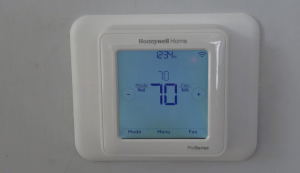
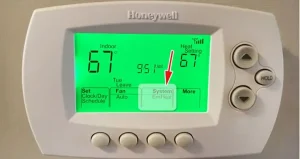
Honeywell thermostats are designed to provide consistent, hassle-free climate control, but occasionally, users may encounter minor issues that interrupt their experience. Understanding the most common concerns and troubleshooting them can help restore your thermostat’s performance quickly. Whether it’s unexpected temperature variations, screen malfunctions, or connectivity challenges, most issues can be resolved with a few straightforward steps. Here’s a breakdown of common Honeywell thermostat issues and how to troubleshoot them:
- Temperature Inaccuracy: If your thermostat displays a different temperature than the room feels, try adjusting the thermostat’s placement to avoid drafts, or recalibrate it to ensure accuracy.
- Unresponsive Screen: Sometimes, the screen may freeze or become unresponsive. Power cycling the thermostat by switching it off and on, or resetting it, can often resolve this.
- Wi-Fi Connectivity Issues: Connection problems can arise if the Wi-Fi signal is weak or disrupted. Try moving your router closer or reconnecting the thermostat via the app.
- System Not Turning On: If the heating or cooling system fails to respond, check the wiring to ensure it’s secure, and confirm that the system’s power source is active.
- Battery or Power Issues: Low or dead batteries can cause the thermostat to shut down unexpectedly. Replacing the batteries or ensuring a steady power source can resolve this issue.
By following these tips, you can troubleshoot most Honeywell thermostat issues effectively, but for complex or recurring problems, contacting Honeywell’s support team may be the best solution.